
I built Folio because I wanted a website that was mine: my posts, my bookings, my subscribers, in a database I control, without paying four different tools every month. This site runs on it. Now anyone can use it, for a one-time price of $39.
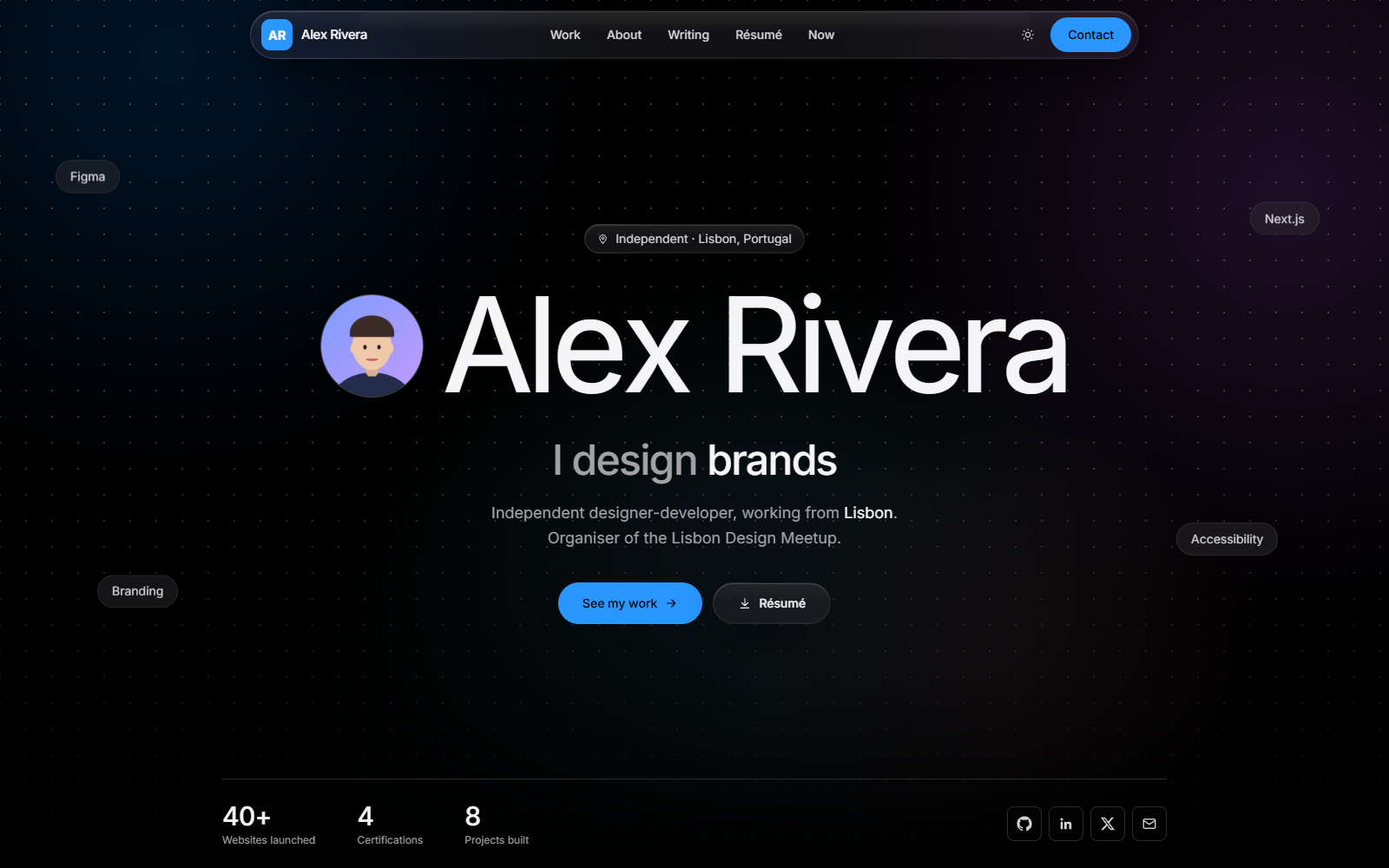 The public site you get out of the box. Everything on it is editable from the admin.
What Folio is
Folio is a portfolio, blog and audience toolkit in one. You get a fast public website and an admin panel where you change everything with forms and buttons, no code. It runs on the free plans of Vercel and Supabase, so there is no monthly fee from Folio.
You can try the live demo (it resets every hour) or read the product page.
What you can do with it
Write
A visual editor with drafts, scheduling and saved versions, plus an SEO assistant that scores each post as you type and shows the Google preview.
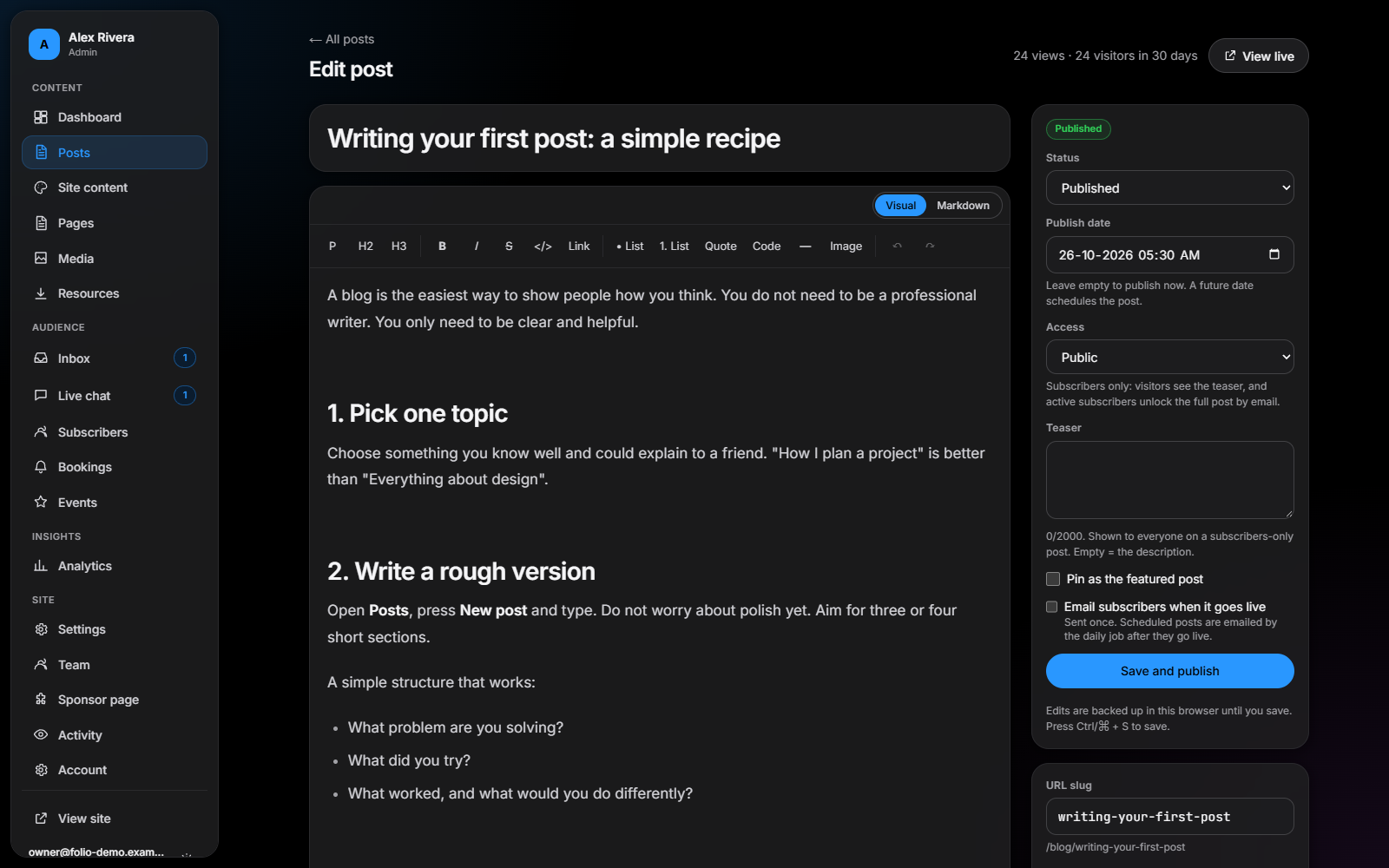 The editor. Status, publish date, access and a switch to email subscribers sit beside the text.
Edit every page
Home, about, work, résumé and the menu are all forms in the admin. You can reorder home page sections too.
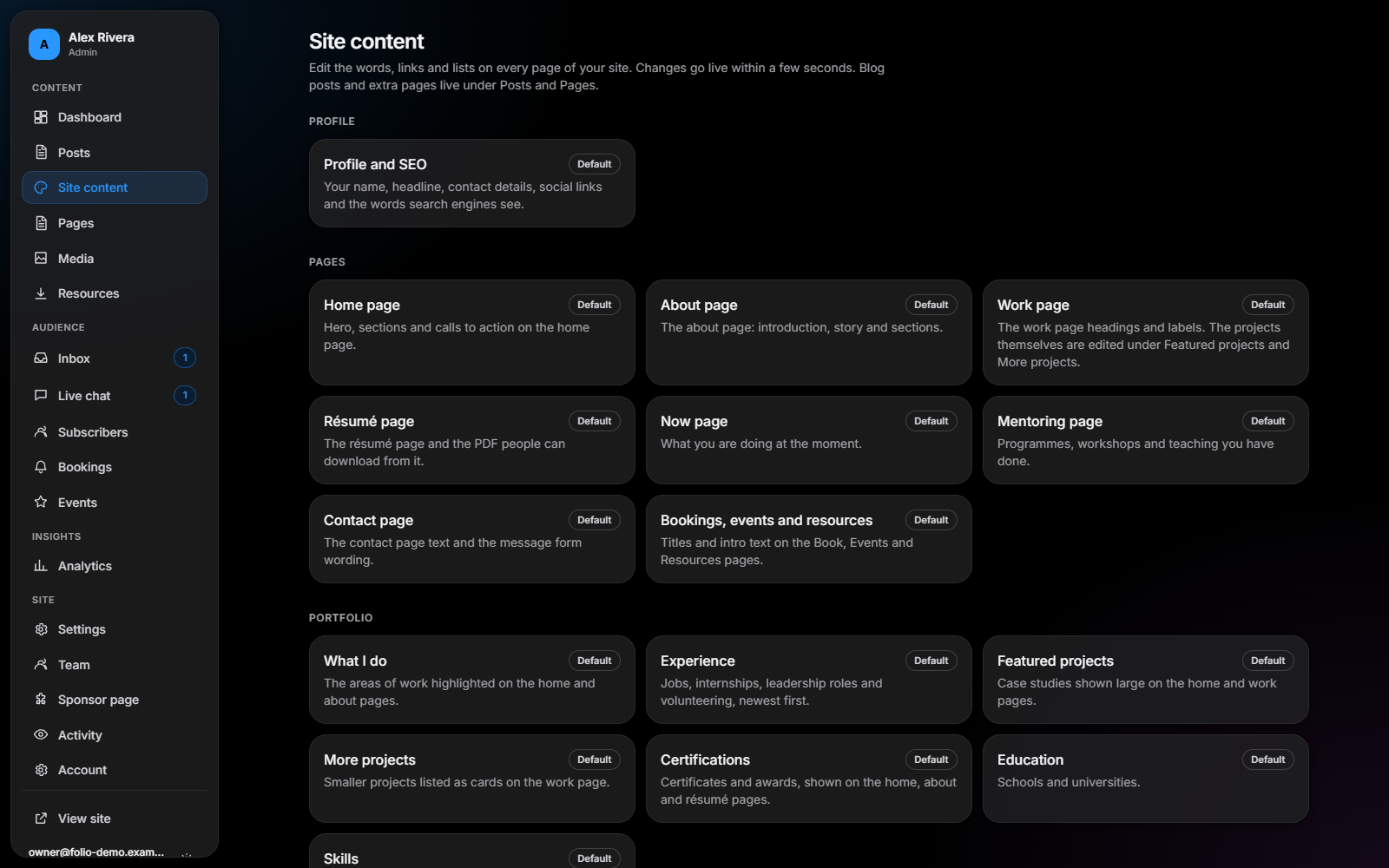 Every page is a form. Change the text, save, and the site updates within seconds.
Grow an audience
Newsletter with an archive, live chat, a contact inbox, testimonials and moderated comments. Everyone who gets in touch lands on one timeline under People.
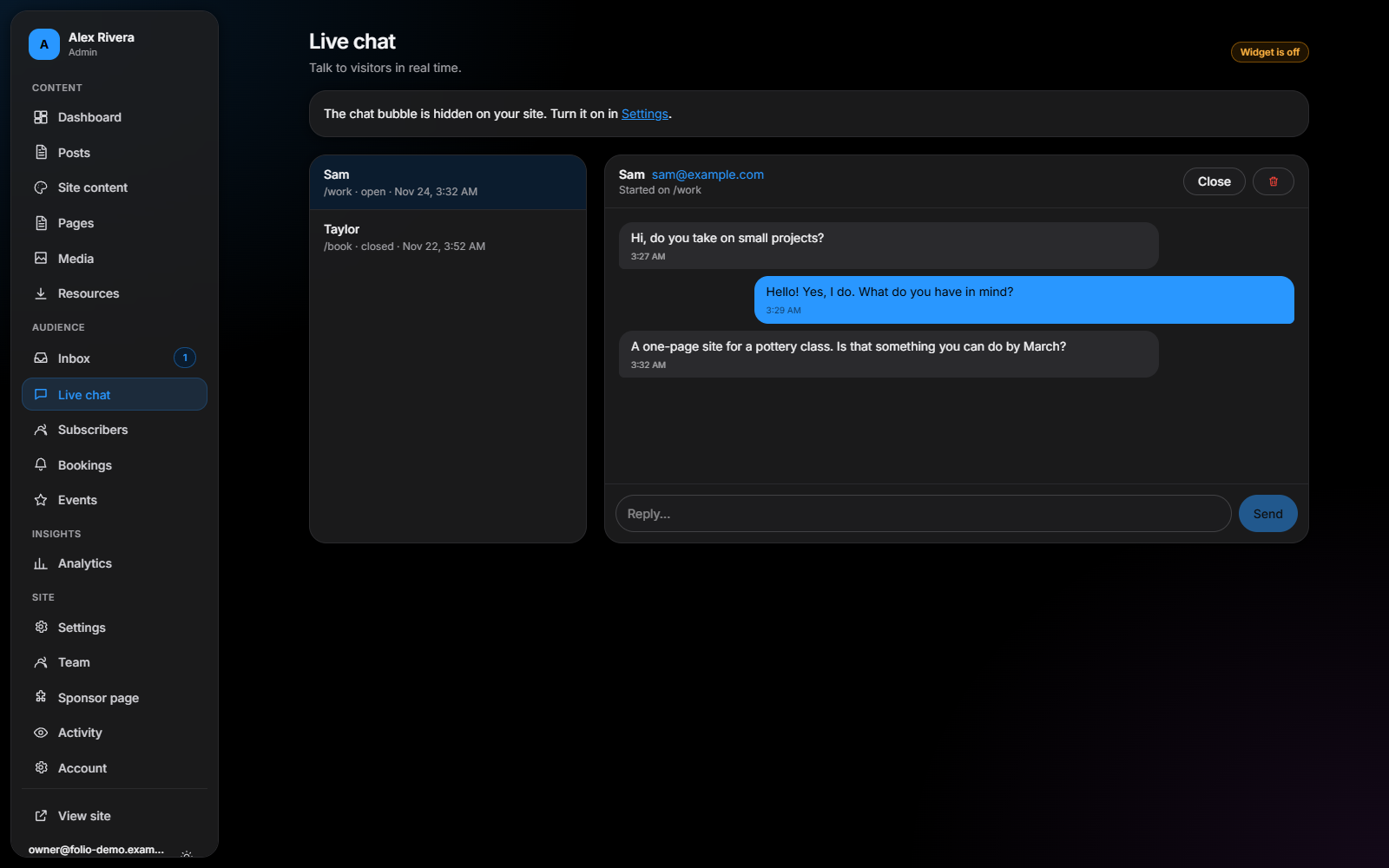 Live chat from your own site, answered from the admin.
Run sessions and events
Bookings in your own time zone with Google Calendar sync and reminders, and events with QR tickets. Paid slots and a small shop are there too, off until you turn them on.
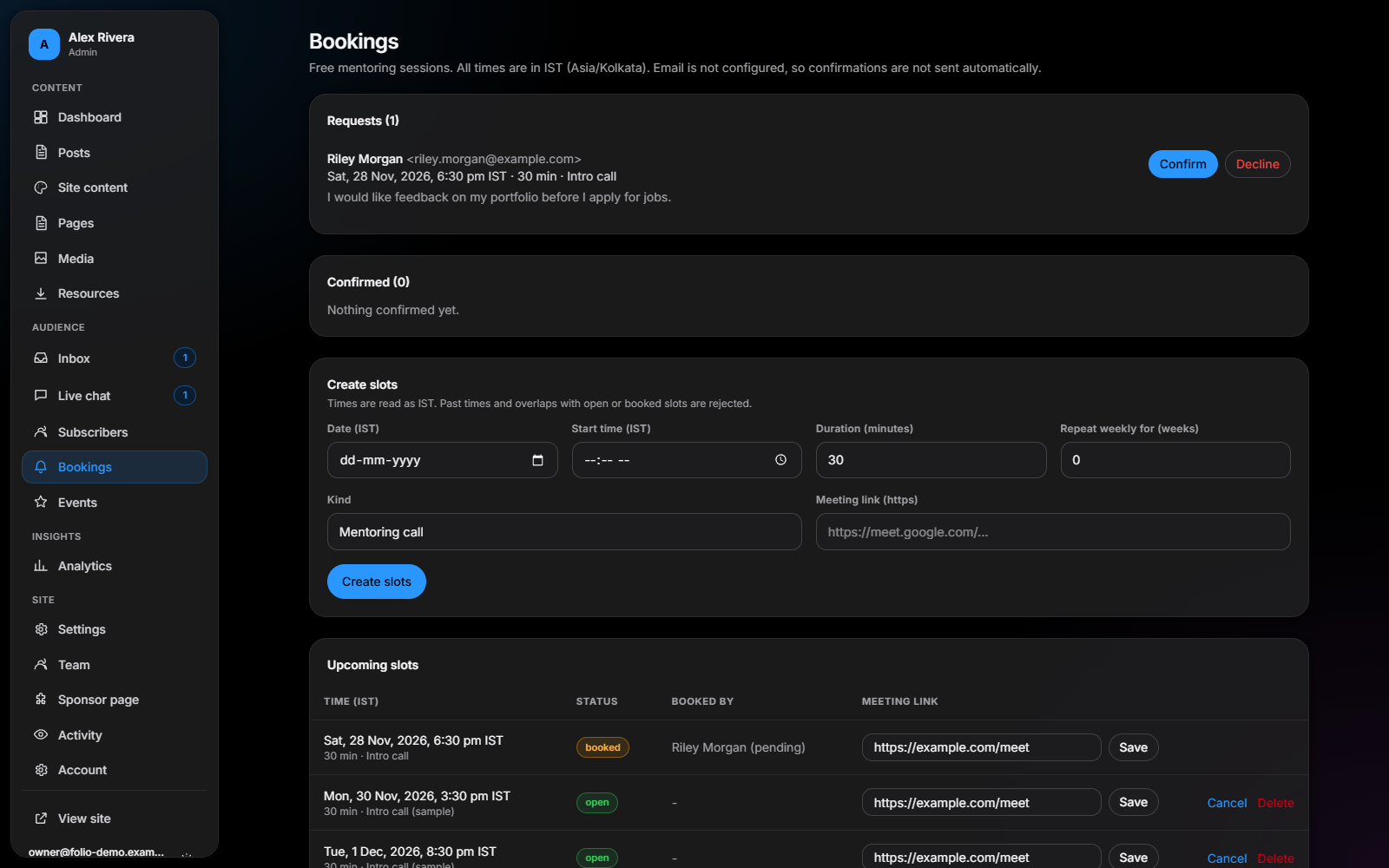 Bookings, shown in your own time zone.
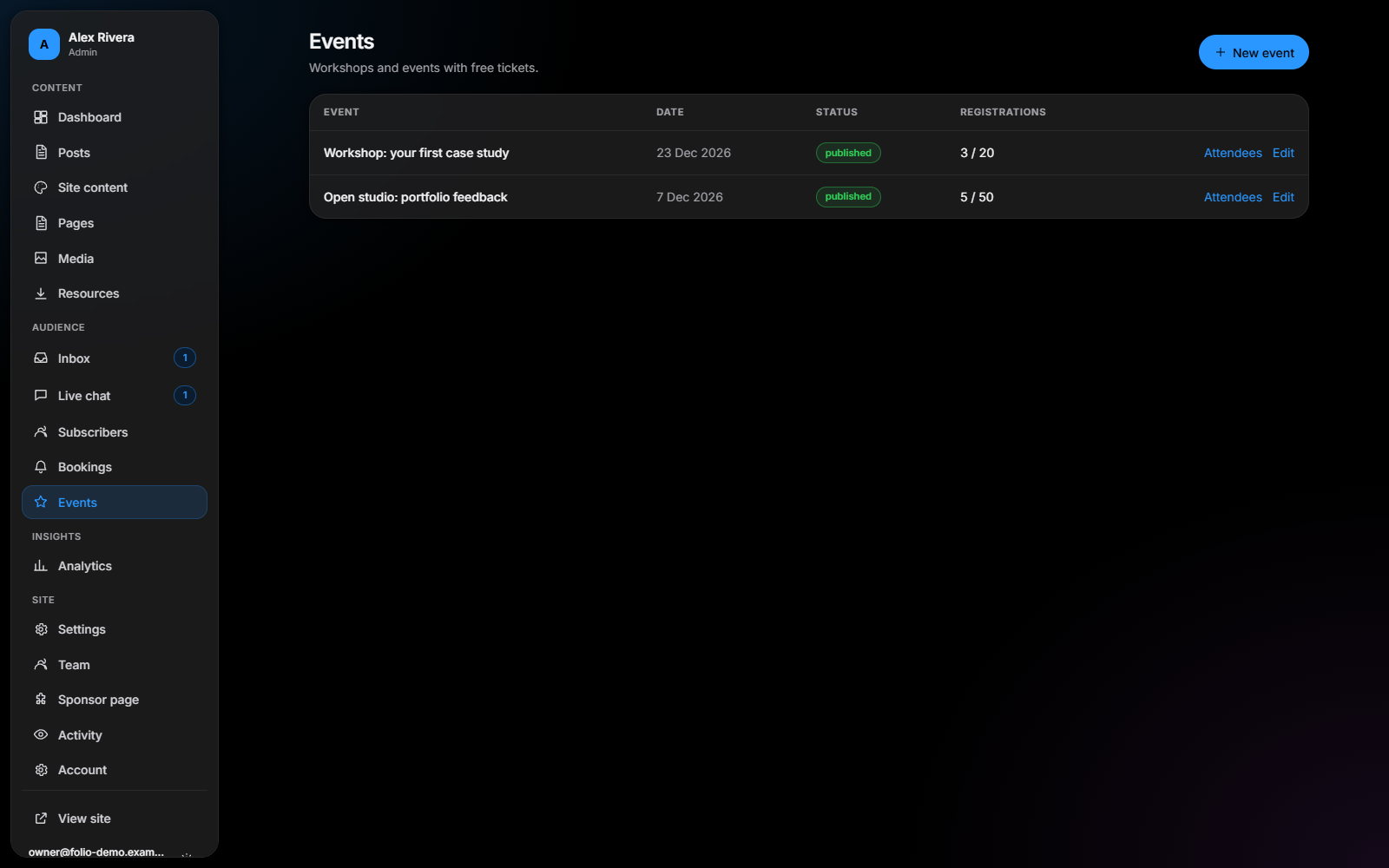 Registrations for each event, with the attendee list one click away.
See what works
Cookie-free analytics and a dashboard with your numbers, so you can see which posts and pages people read.
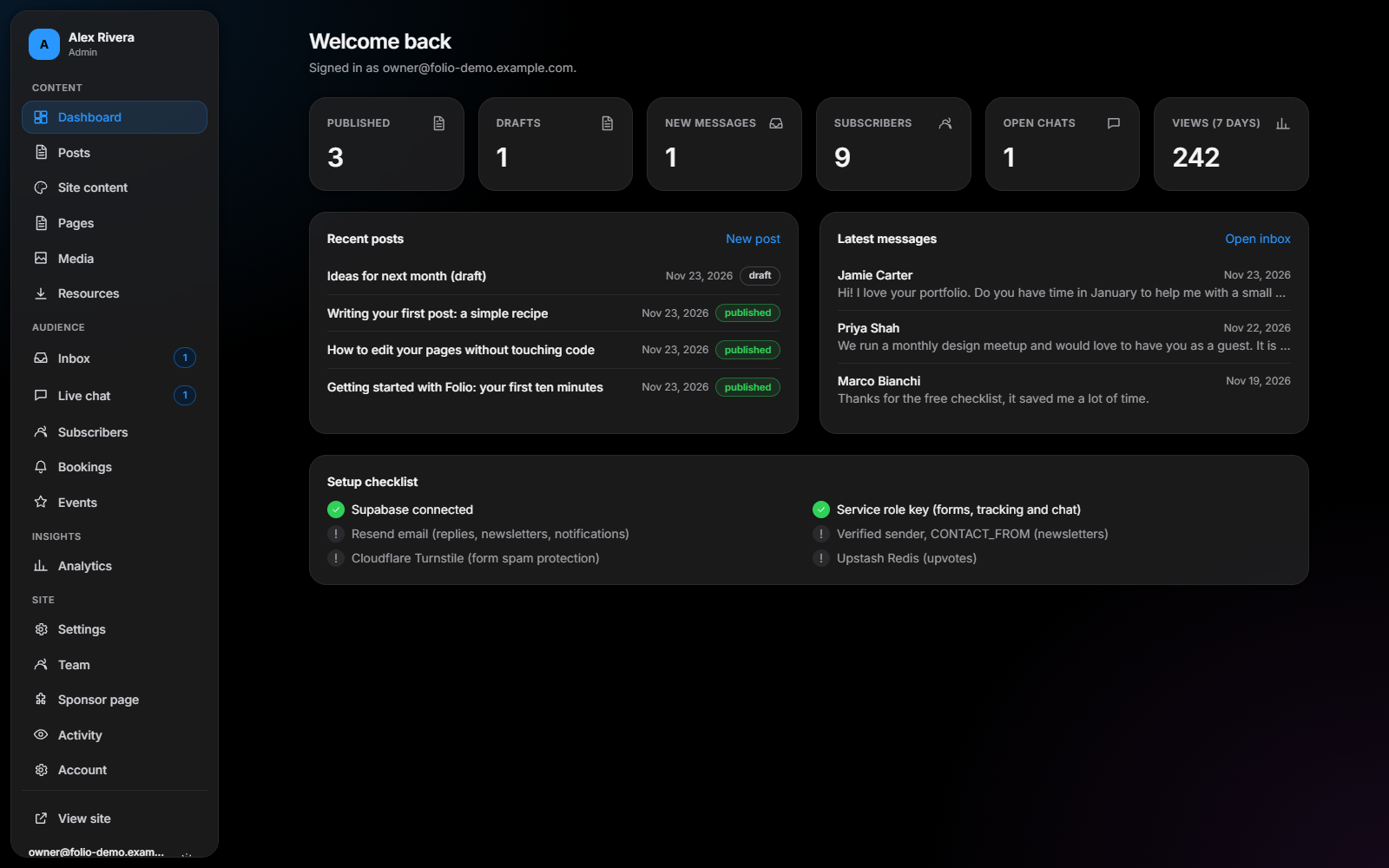 The dashboard is the first screen after you sign in.
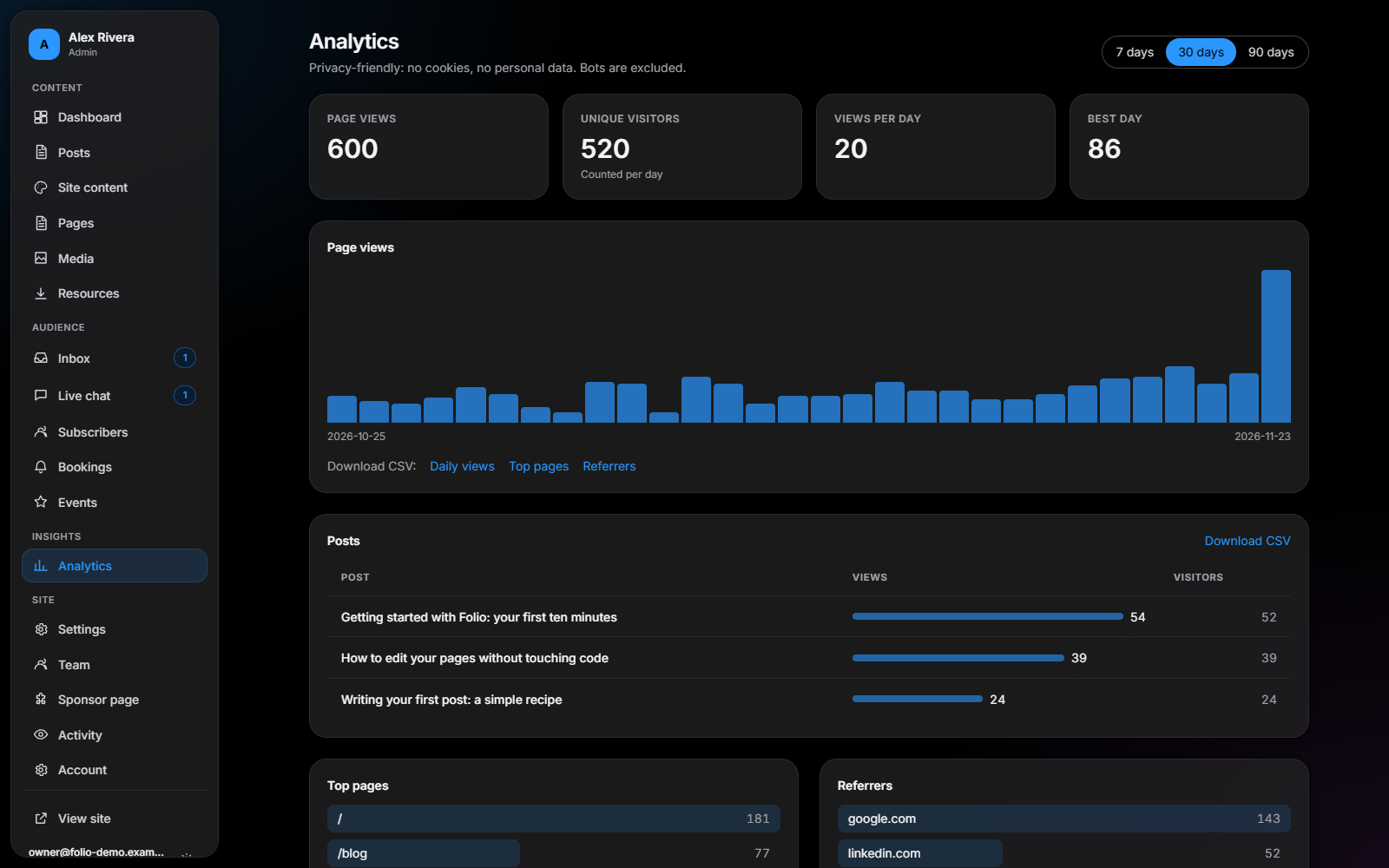 Analytics with no cookies and no personal data. Bots are excluded.
Use AI with your own key
Writing help, SEO research and reply drafts, with Nebius, OpenAI, Gemini, Claude or any OpenAI-compatible service. The key is encrypted, and nothing is sent or published without your click.
Run it from your phone
The admin is designed for a phone first, and you can install it on your home screen with notifications for new messages and bookings.
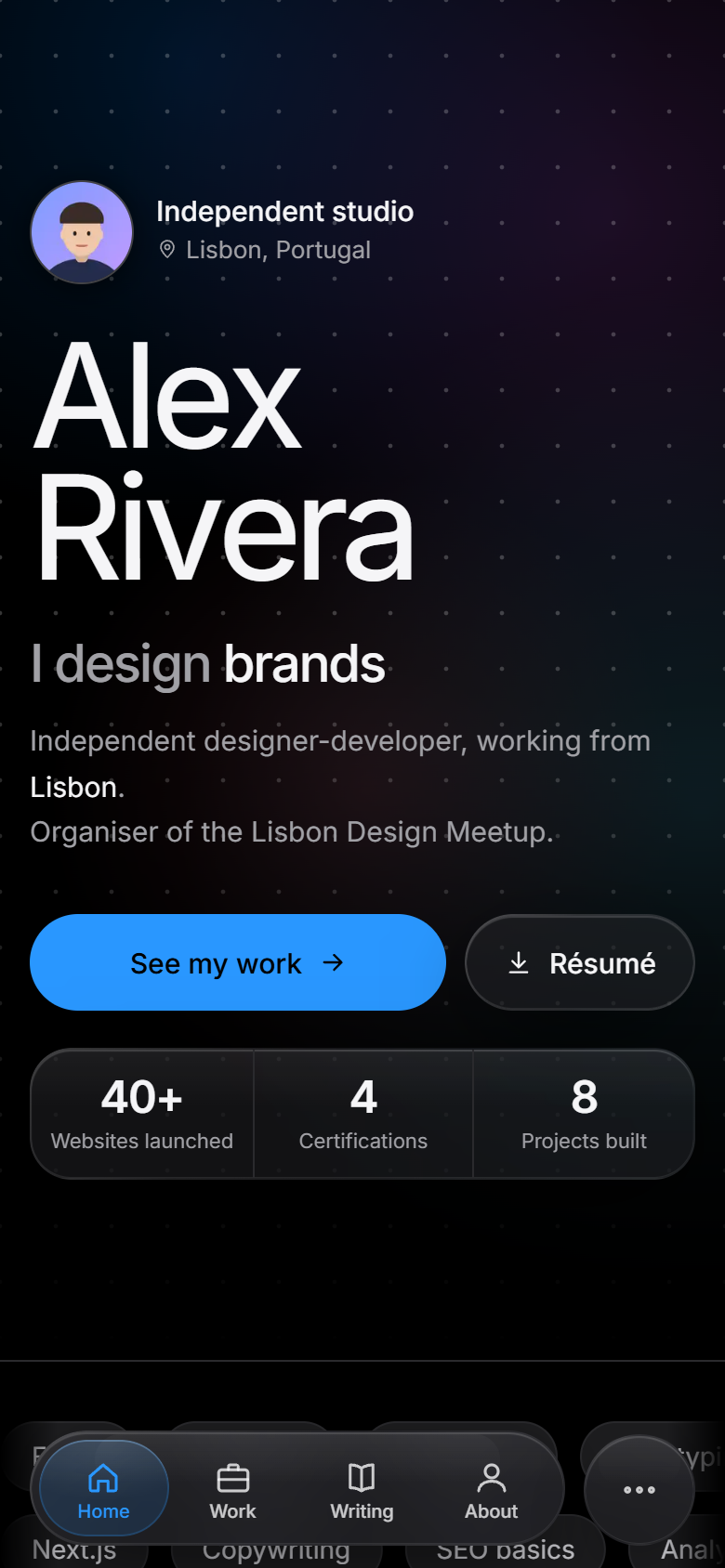 The public site on a phone.
Why one-time
Most website builders charge every month, and the tools around them (booking, newsletter, link-in-bio, chat) charge again. Folio is $39 once, for any number of websites, yours or your clients'. It includes 12 months of updates, and you keep the version you have after that. Your data stays in your own Supabase project, with weekly backups and a Back up now button. If it isn't right for you, you can ask for a refund within 14 days.
Who it is for
Students who want a portfolio that stands out next to a CV, mentors and coaches who take bookings, and writers and developers who want their own blog and newsletter without building a CMS.
Try it
- Live demo: sign in with the demo account shown on the login page.
- Folio on Gumroad
- Docs, including the install guide.
If you have questions, send me a message. I read every one.
Found this useful?
Share it with your group